Loading article
Loading articles
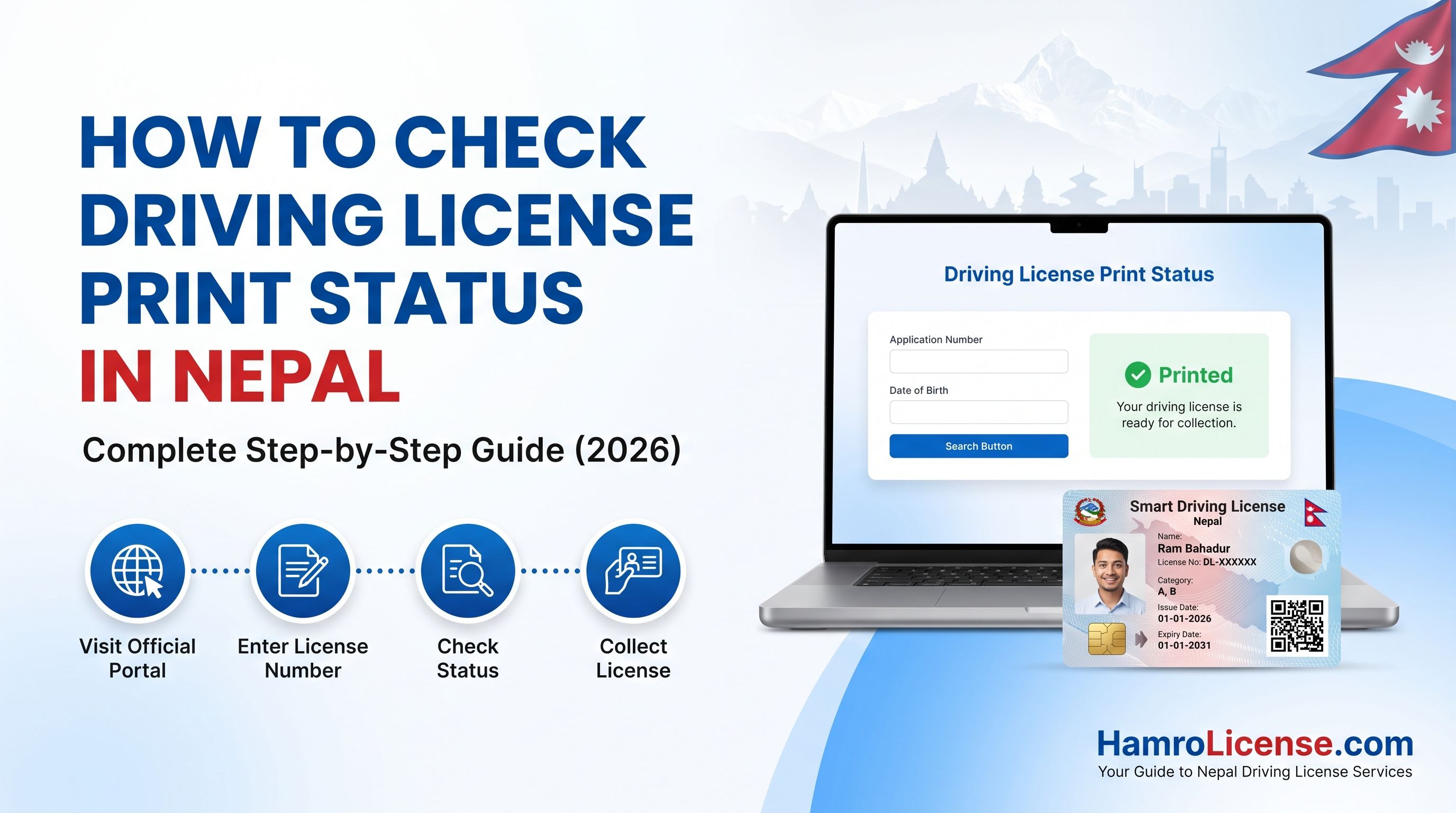
If you have successfully passed the driving license test or have completed the application process in Nepal, there must be a doubt regarding the printing status of your driving license.
Well, the Department of Transport Management (DOTM) provides an online portal through which you can check the status of your driving license. Checking your print status will give you the idea already printed, or you can collect your license from the nearest DOTM office.
In this guide, you will come to know all about checking your driving license print status in Nepal with complete process step by step.
The driving license print status is the present situation of your driving license card physically in relation to your completed application being accepted.
After completing all procedures, including biometric test, written test (if required), and driving test, and making the payment for fees, the process of your application will pass through various stages of processing until the card gets printed.
Getting your print status online will save you from visiting the transport office unnecessarily.
To check your driving license print status, prepare the these details first:
Driving License Number
Date of Birth
Stable internet connection
Mobile phone or Computer
Note: Make sure the information exactly matches the details submitted during your application.
Open your web browser and visit the official Department of Transport Management website (DOTM) or you can also visit Hamrolicense for a quicker checker tool ( You will be redirected to the official website of the DOTM).
Navigate to the section related to Driving License Services or Online License Services.
Provide the details of your Driving license number and date of birth. Make sure the details you fill match what you submitted during your application.
Click the search, check status, or submit button. Within a few seconds, the system will display the current status of your driving license.
Status | Meaning | What You Should Do |
|---|---|---|
Approved | Your application has been approved and is waiting for printing | Wait until the printing process is completed |
Printing | Your license is currently being printed | No action is required |
Printed | Your physical license has been printed successfully | Prepare to collect your license |
Dispatched | Your license has been sent to the transport office you selected | Visit the office with required documents |
Delivered | Your license has been handed over to the transport office for distribution | Collect your license if available |
Not Found | The system cannot locate your application | Verify your details and try again later |
It depends upon the workload, public holidays, and printing capacity. In most cases:
Application process approval: Depends on each office
License printing: Takes around 15 to 30 working days from the approval stage
Transport office delivery: Some more working days
If portal shows “Not Found” does not always mean there is a problem. It is possible to reasons include:
Incorrect driving license number
Incorrect date of birth
Recently approved application not yet updated
Temporary system maintenance
Data synchronization delay
Before contacting the transport office (DOTM), make sure the information you entered is correct. If the issue continues for many days, contact your respective transport management office for assistance.
When your status indicates that you license is ready for collection, bring the following documents:
Original Citizenship Certificate
Driving License Application Report
Payment Receipt (if Available)
Other additional documents requested by your transport office
Visit during official office hours
Carry original documents rather than photocopies
Keep your application receipt safe until you receive your license
Verify that all information printed on the license is correct before leaving the office
Several factors can delay the printing process, include:
High number of pending applications
Public holidays
Technical issues
Printing equipment maintenance
Verification delays
Quick answers to the things readers ask most about this article.
